Astrophotography diagnosis of Ngc2244: Green cast and sensor tilt
Processed110x120s
The Doc examined this image of Ngc2244 (processed, 110x120s). Estimated overall technical quality: 7/10. 2 defects found: Green cast (severity 2/5), Sensor tilt (severity 1/5).
&w=1920&q=75)
Info
- Cible
- Ngc2244
- Position
- 6h31m48s · +4°57'00"
Waxing gibbous Moon at 76% on capture night: a strong constraint in broadband, but nearly neutral on an emission target like the Rosette if shot in narrowband (Ha/OIII), which the monochrome sensor suggests. The background stays clean and well lifted off the black point (e_margin 0.91 on the processed master), with no visible lunar gradient in the corners. In other words, the Moon did not spoil the result here; in broadband RGB, that same night would have given a far more polluted background and harder color balance.
Setup
- Type d'image
- Traitée
- Exposition
- 110x120s
- Phase de lune
- Gibbeuse croissante (76 %)
- FOV
- 1.30°
Framing is coherent: with a 1.30 degree field, the Rosette (about 1.3 degrees) nicely fills the sensor, centered, without being cut. Sampling is comfortable, FWHM around 2.7-3.4 px depending on zone, reflecting good optics/seeing agreement for this format. 110 subs of 120 s (3h40 total) give solid signal on the nebula, consistent with the depth visible in the peripheral red extensions. Nothing to fault on setup/target match.
The diagnosis in detail
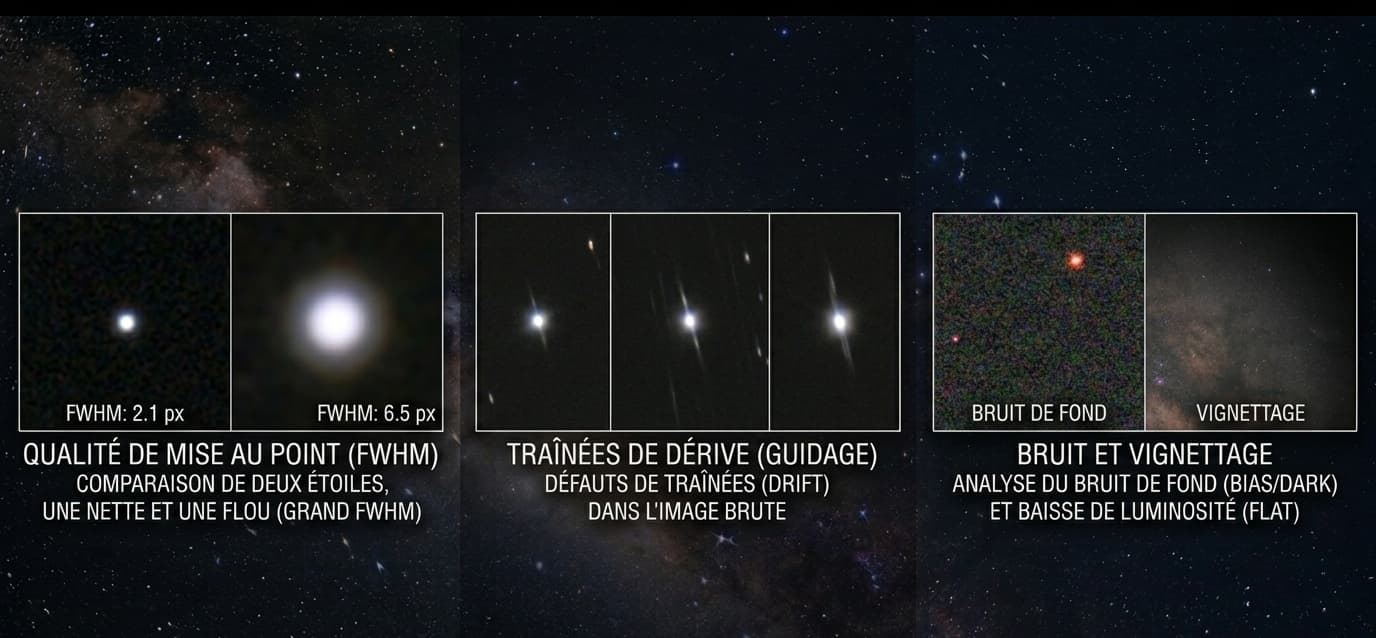
On the acquisition side, this image is healthy. The PSF panel is the best judge: every zone shows elongation between 1.02 and 1.06, below the monochrome floor of 1.12, meaning round stars from center to corners. The automatic 'tilt' pre-verdict rests on a slight FWHM rise in BL (3.4) and TR (3.3) against 2.7 at center, but the corner/center ratio (1.24) stays below the significance threshold and horizontal asymmetry is only 0.026. So it is a marginal tilt, to monitor across several sessions rather than fix urgently.
The real area for improvement is color. The central cavity turns distinctly green, a hue that does not match a legitimate teal OIII rendering but an uncontrolled green channel. An SCNR or Remove Green, applied after channel rebalancing, will neutralize it without touching the rest of the red/salmon palette of the extensions, which is rather well done.
In short: good-level acquisition and tracking, accurate framing, and final processing to revisit mainly on green management.
Priority actions
- Apply SCNR / Remove Green on the master to neutralize the green cast of the core
- Rebalance the color channels before the non-linear stretch, then check background neutrality
- Check the tilt on a future session before any mechanical action, the current deviation being negligible