Astrophotography diagnosis of ic63: Light pollution gradient, clipped stars and 1 other
Processed
The Doc examined this image of ic63 (processed). Estimated overall technical quality: 7/10. 3 defects found: Light pollution gradient (severity 2/5), Clipped stars (severity 2/5), Background chroma noise (severity 2/5).
&w=1920&q=75)
Info
- Cible
- ic63
- Position
- 21h38m60s · +57°30'00"
The 26% waning crescent is a minor factor: the moon is faint and rises late, it does not compromise a session on IC 63, an emission target dominated by Ha. The oriented gradient measured at 24% therefore looks more like ground based light pollution than a lunar contribution, especially as nothing points to a specific lunar direction. On this kind of mixed reflection and emission nebula, an overly selective filter would lose the blue reflection component visible here: better to keep broadband or a light dual-band and handle the gradient in post.
Setup
- Type d'image
- Traitée
- Phase de lune
- Dernier croissant (26 %)
- FOV
- 30.0'
The 0.50 degree wide field is tight but well chosen: IC 63 fits entirely in frame with margin, and IC 59 appears upper right, giving a readable composition with no clipping. The measured FWHM of roughly 6.8 to 7.4 px across the field is high in pixels, suggesting fine sampling relative to the night's seeing: real resolution is limited by the atmosphere more than by the optics. The measured background to black point margin of 1.96 indicates a background sitting close to the black point, a sign of a stretch crushing the shadows rather than an acquisition fault.
The diagnosis in detail
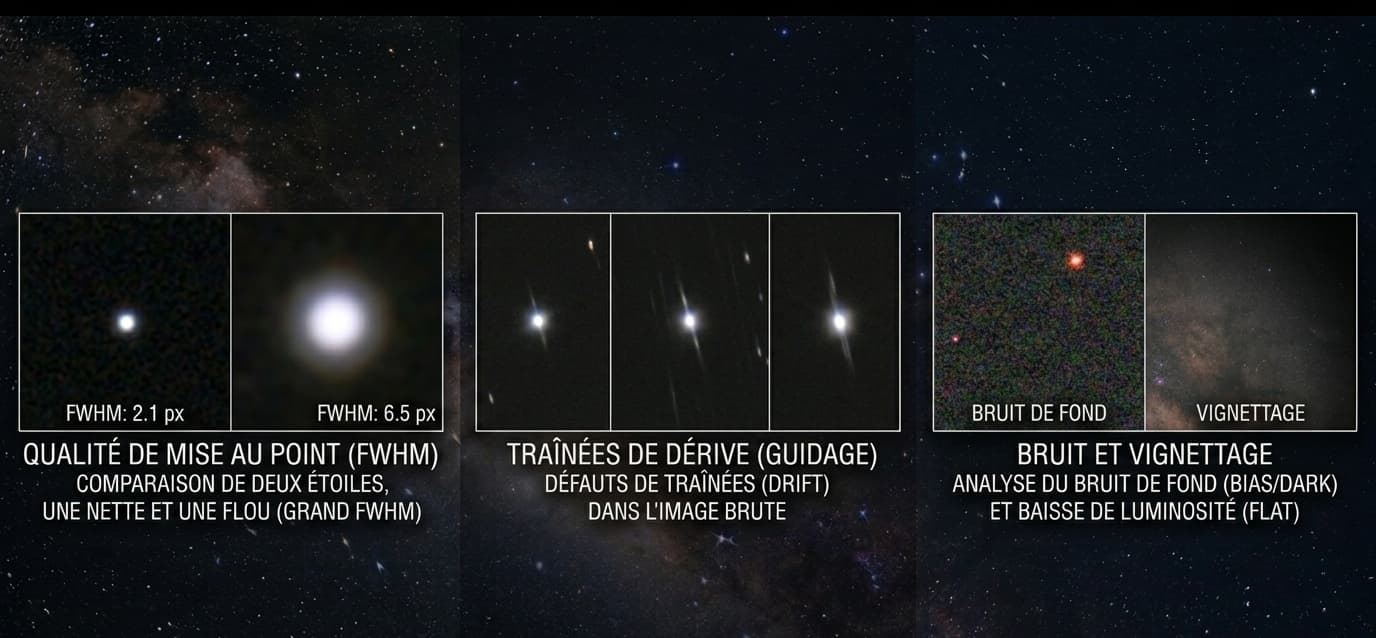
On the hardware side, nothing to complain about. The aberration inspector gives 1.01 elongation at centre, a corner/centre FWHM ratio of 1.005 and a PA dispersion of nearly 30 degrees, in other words round stars everywhere and no preferred elongation direction. That rules out tilt, backfocus, astigmatism and any tracking issue. The optical train and mount did their job, so the diagnosis sits entirely in processing.
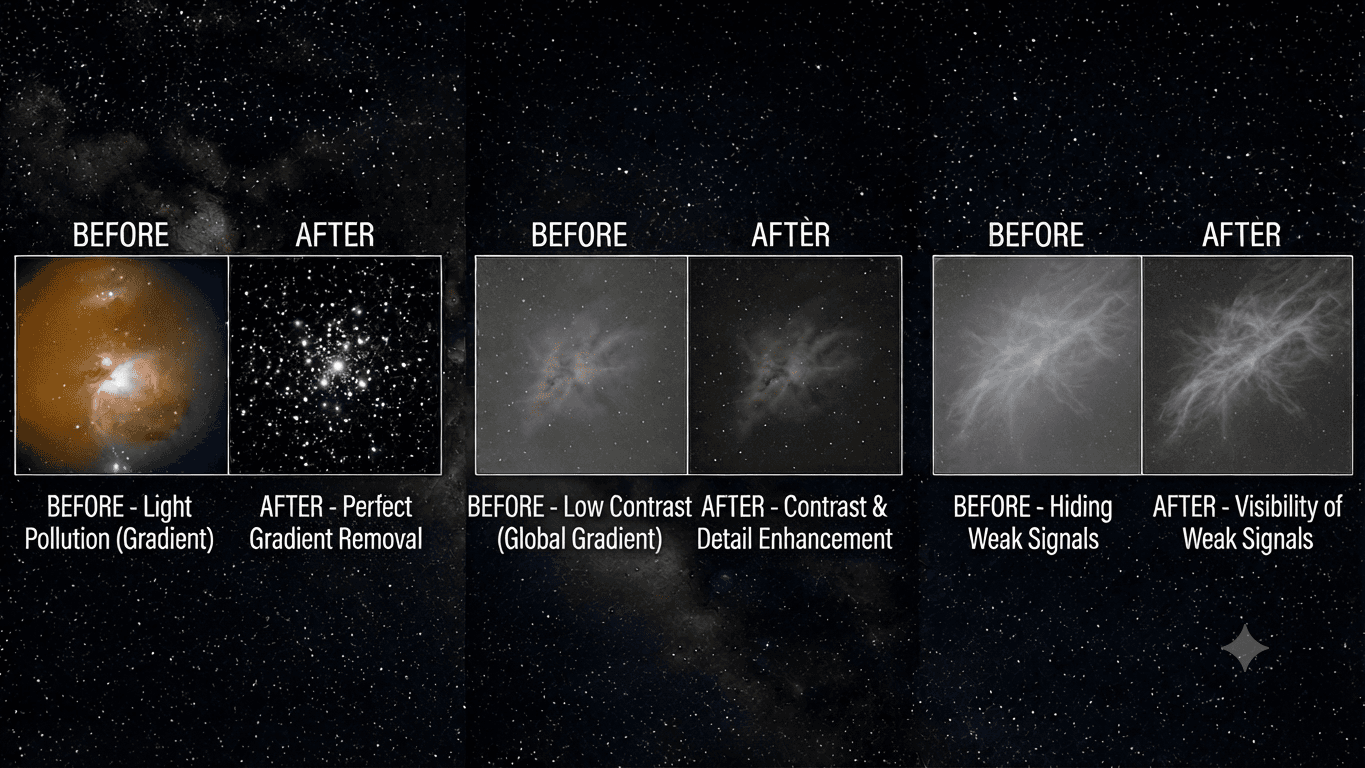
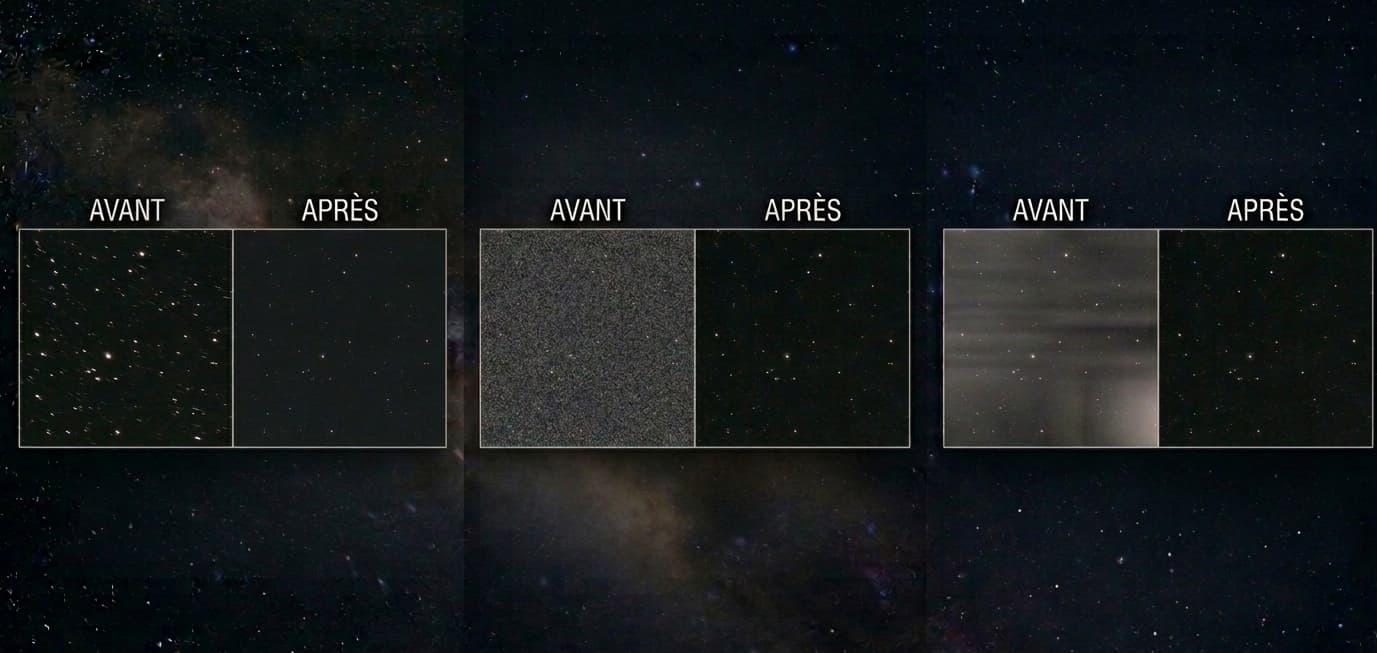
The three points raised share one root: a stretch applied a little too quickly on a stack whose background was not yet perfectly flat. The 24% oriented gradient should have been removed while linear, before any stretch, otherwise it becomes very hard to separate from genuine nebular extensions. That same stretch pushed the highlights far enough to flatten a few bright star cores, and lifted the chroma noise in the dark areas, most visible lower left.
The good news is that all of this can be fixed without going back under the stars: restart from the linear image, extract the gradient, then restretch with a gentler upper curve and targeted chroma reduction on the background.
Priority actions
- Restart from the linear stack and extract the gradient (GraXpert or DBE) before any stretch
- Restretch with a gentler highlight curve to preserve bright star cores
- Apply chroma noise reduction on the background through an inverted luminance mask
- Extend integration if possible to strengthen the background signal to noise ratio